settings How It Works
The original Felix.exe contains a proprietary FIG binary format that stores all animation data. Here's how the sprites are structured and extracted.
folder_zip FIG Binary Format
Felix.exe embeds 29 animation datasets using a custom FIG1 signature. Each FIG block contains zlib-compressed image data with a DIB palette. IDs range from 301–328 plus 1200.
grid_view Sprite Sheets (Atlas)
Each animation is a grid of frames laid out in a sprite sheet (atlas). The engine picks a rectangular region per frame based on the known cell size. Files follow the pattern fig_XXX_sheet.png.
animation Frame Sequences
Individual frames are named fig_XXX_fYY.png where XXX is the figure ID and YY the zero-based frame index. Sequences range from 2 to 32 frames depending on complexity.
palette Color & Transparency
All sprites use a black & white tuxedo palette with alpha transparency. The original DIB palette maps indexed colors to 32-bit RGBA for smooth edges on any desktop background.
cycle Animation Loop
At runtime, the desktop pet engine cycles through frames at a fixed interval, selecting the active FIG sequence based on the cat's current behavior state (walking, sitting, eating, etc.).
download Extraction Process
Using Python with pefile and Pillow, the PE executable is scanned for FIG headers. Each block is decompressed with zlib, then decoded into individual PNG frames and assembled into sheet atlases.
conversion_path Extraction Pipeline
Step-by-step process from binary to usable sprite assets.
PE Scan
Read Felix.exe as a Windows PE file and scan all sections for the FIG1 magic bytes (0x46494731).
Decompress
Each FIG block contains a header with frame count, dimensions, and zlib-compressed pixel data (identified by 0x789C zlib header).
Decode Frames
Decompressed data is split into individual frames using the DIB bitmap format. Each pixel is mapped through the embedded palette to produce RGBA values.
Export
Frames are saved as individual PNGs (fig_XXX_fYY.png), assembled into sprite sheet atlases (fig_XXX_sheet.png), and rendered as animated GIFs.
movie All Animation Sequences
Each card shows the animated GIF preview and the full sprite sheet atlas. Click "Show Sprite Sheet" to reveal the complete frame grid.
fig_301 – Walk Right (Start)
Walk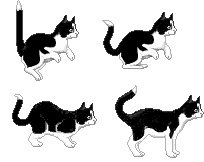
grid_view Show Sprite Sheet
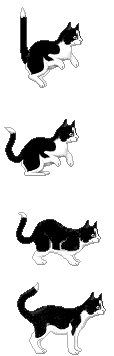
fig_302 – Walk Right
Walk
grid_view Show Sprite Sheet
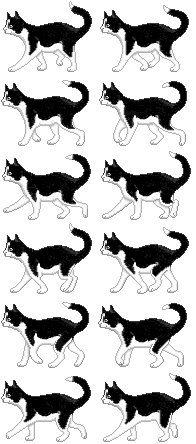
fig_303 – Walk Left
Walk
grid_view Show Sprite Sheet
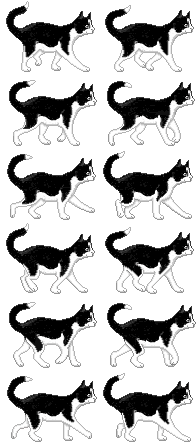
fig_304 – Standing (Left/Right)
Idle
grid_view Show Sprite Sheet
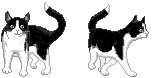
fig_305 – Standing (Front/Back)
Idle
grid_view Show Sprite Sheet
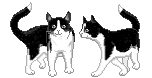
fig_306 – Sit Down Transition
Idle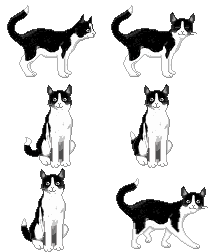
grid_view Show Sprite Sheet
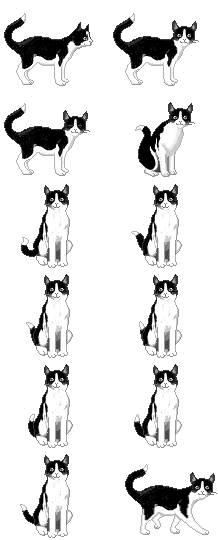
fig_307 – Sitting Tail Wag
Idle
grid_view Show Sprite Sheet
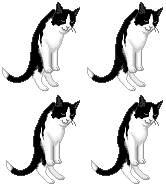
fig_308 – Peek Over Edge
Action
grid_view Show Sprite Sheet
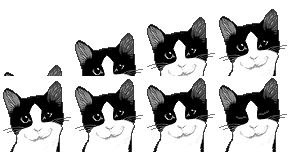
fig_309 – Peek Left Side
Action
grid_view Show Sprite Sheet
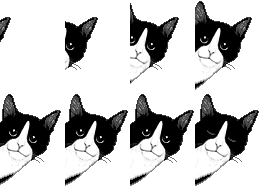
fig_310 – Sit Down & Crouch
Idle
grid_view Show Sprite Sheet

fig_311 – Eating from Bowl
Action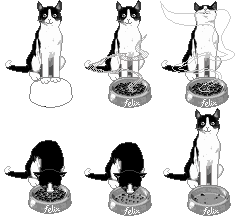
grid_view Show Sprite Sheet
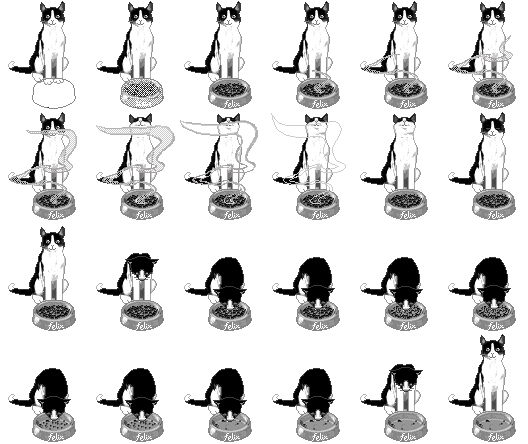
fig_312 – Fish Bubbles (Small)
Special
grid_view Show Sprite Sheet
fig_313 – Fish Bubbles (Medium)
Special
grid_view Show Sprite Sheet
fig_314 – Fish Bubbles (Tiny)
Special
grid_view Show Sprite Sheet
fig_315 – Fish Bowl Interaction
Action
grid_view Show Sprite Sheet
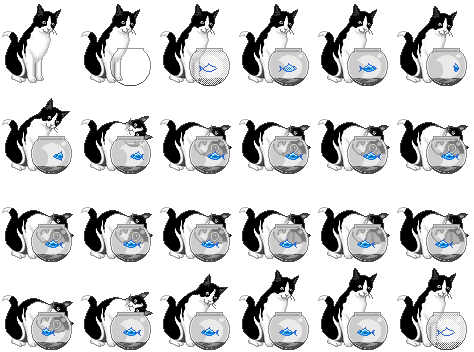
fig_316 – Cat Flap (Enter/Exit)
Action
grid_view Show Sprite Sheet
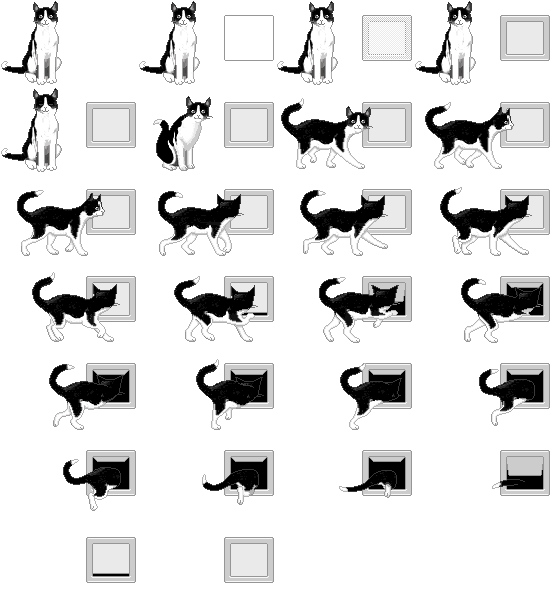
fig_317 – Head Turn (Edge)
Idle
grid_view Show Sprite Sheet

fig_318 – Emerge from Cat Flap
Action
grid_view Show Sprite Sheet
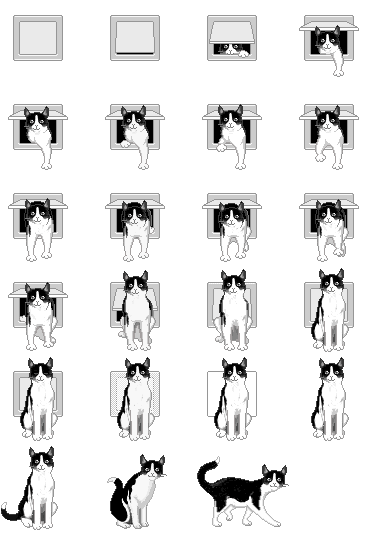
fig_319 – Paw Scratch
Action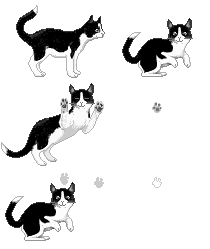
grid_view Show Sprite Sheet
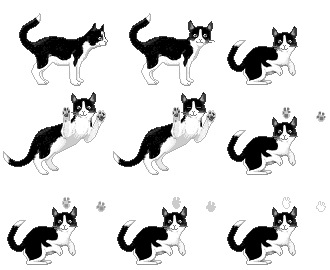
fig_320 – Turn Around
Walk
grid_view Show Sprite Sheet
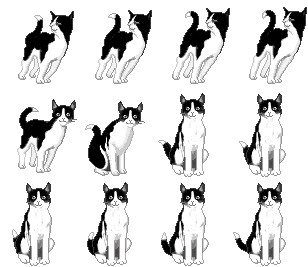
fig_321 – Run Right
Walk
grid_view Show Sprite Sheet
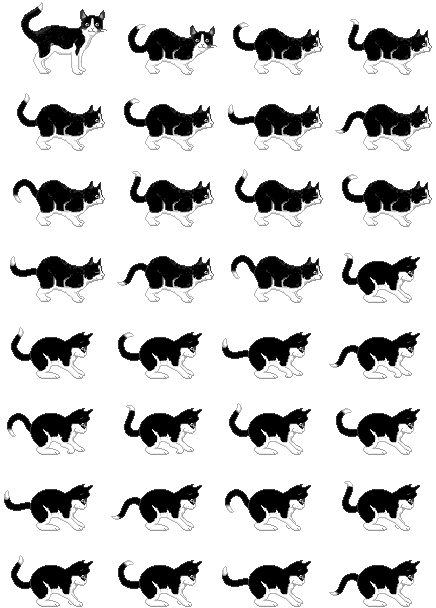
fig_322 – Sleep / Curl Up
Idle
grid_view Show Sprite Sheet
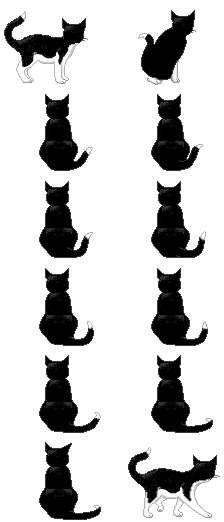
fig_323 – TV Watching
Special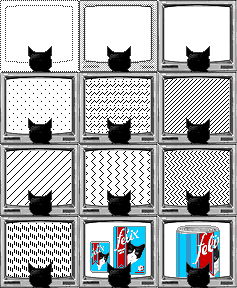
grid_view Show Sprite Sheet
fig_324 – Sitting & Looking
Idle
grid_view Show Sprite Sheet
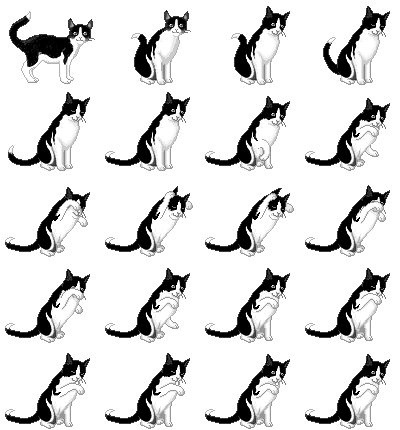
fig_325 – Sitting & Waving
Action
grid_view Show Sprite Sheet
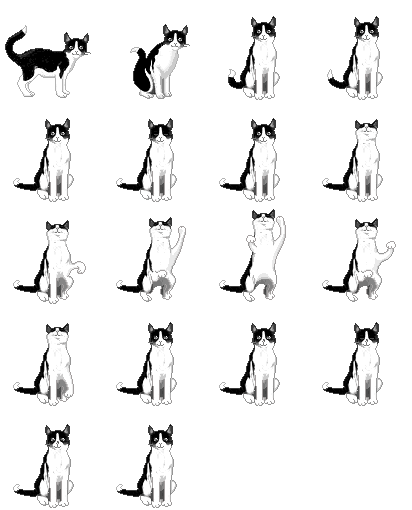
fig_326 – Run Left
Walk
grid_view Show Sprite Sheet

fig_327 – Paw Prints
Special
grid_view Show Sprite Sheet

fig_328 – Paw Prints (Small)
Special
grid_view Show Sprite Sheet

fig_1200 – Branding / Splash Screen
UI
grid_view Show Sprite Sheet
grid_view Complete Sprite Sheet Atlas Gallery
All 29 sprite sheet atlases displayed at full size. Each atlas shows the complete frame grid as it was extracted from the FIG binary data inside Felix.exe.
fig_301 – Walk Right (Start)
Walk 4 framesfig_302 – Walk Right
Walk 12 framesfig_303 – Walk Left
Walk 12 framesfig_304 – Standing (Left/Right)
Idle 2 framesfig_305 – Standing (Front/Back)
Idle 2 framesfig_306 – Sit Down Transition
Idle 12 framesfig_307 – Sitting Tail Wag
Idle 4 framesfig_308 – Peek Over Edge
Action 8 framesfig_309 – Peek Left Side
Action 6 framesfig_310 – Sit Down & Crouch
Idle 4 framesfig_311 – Eating from Bowl
Action 24 framesfig_312 – Fish Bubbles (Small)
Special 32 framesfig_313 – Fish Bubbles (Medium)
Special 16 framesfig_314 – Fish Bubbles (Tiny)
Special 8 framesfig_315 – Fish Bowl Interaction
Action 24 framesfig_316 – Cat Flap (Enter/Exit)
Action 26 framesfig_317 – Head Turn (Edge)
Idle 4 framesfig_318 – Emerge from Cat Flap
Action 24 framesfig_319 – Paw Scratch
Action 12 framesfig_320 – Turn Around
Walk 12 framesfig_321 – Run Right
Walk 32 framesfig_322 – Sleep / Curl Up
Idle 12 framesfig_323 – TV Watching
Special 12 framesfig_324 – Sitting & Looking
Idle 20 framesfig_325 – Sitting & Waving
Action 20 framesfig_326 – Run Left
Walk 32 framesfig_327 – Paw Prints
Special 24 framesfig_328 – Paw Prints (Small)
Special 12 framesfig_1200 – Branding / Splash Screen
UI 1 frame